




Born from a desire to support those facing mental health struggles, including people close to my heart, The Foxglove Tome is more than a journal. It is a digital sanctuary designed to provide "breathing room" in an often overwhelming digital landscape.
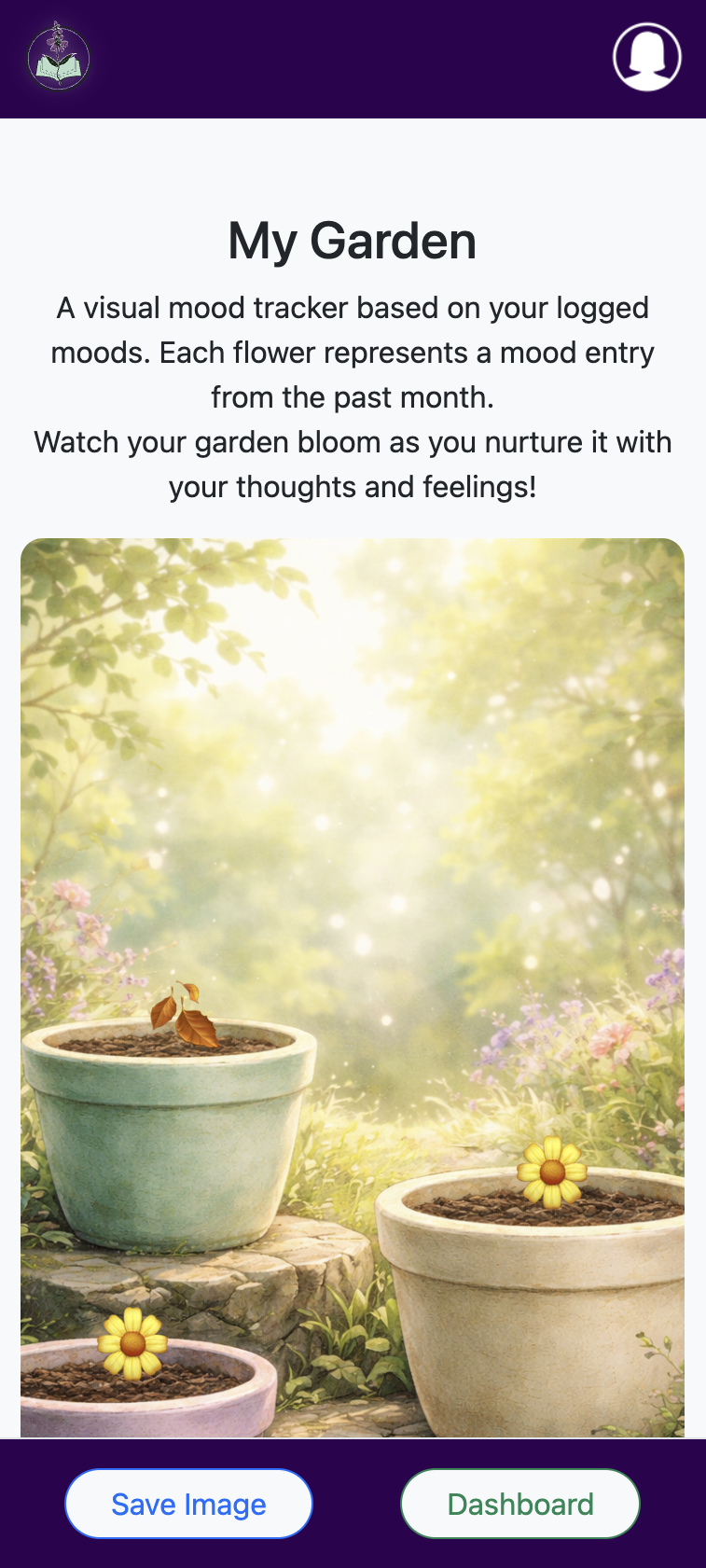
Inspired by the calm and healing nature of a physical garden, the app features a mood tracker that translates emotional check-ins into a visual sanctuary. Instead of sterile charts, the Tome allows users to "plant" flowers in their digital space creating a curated garden that serves as a mirror to their internal world.

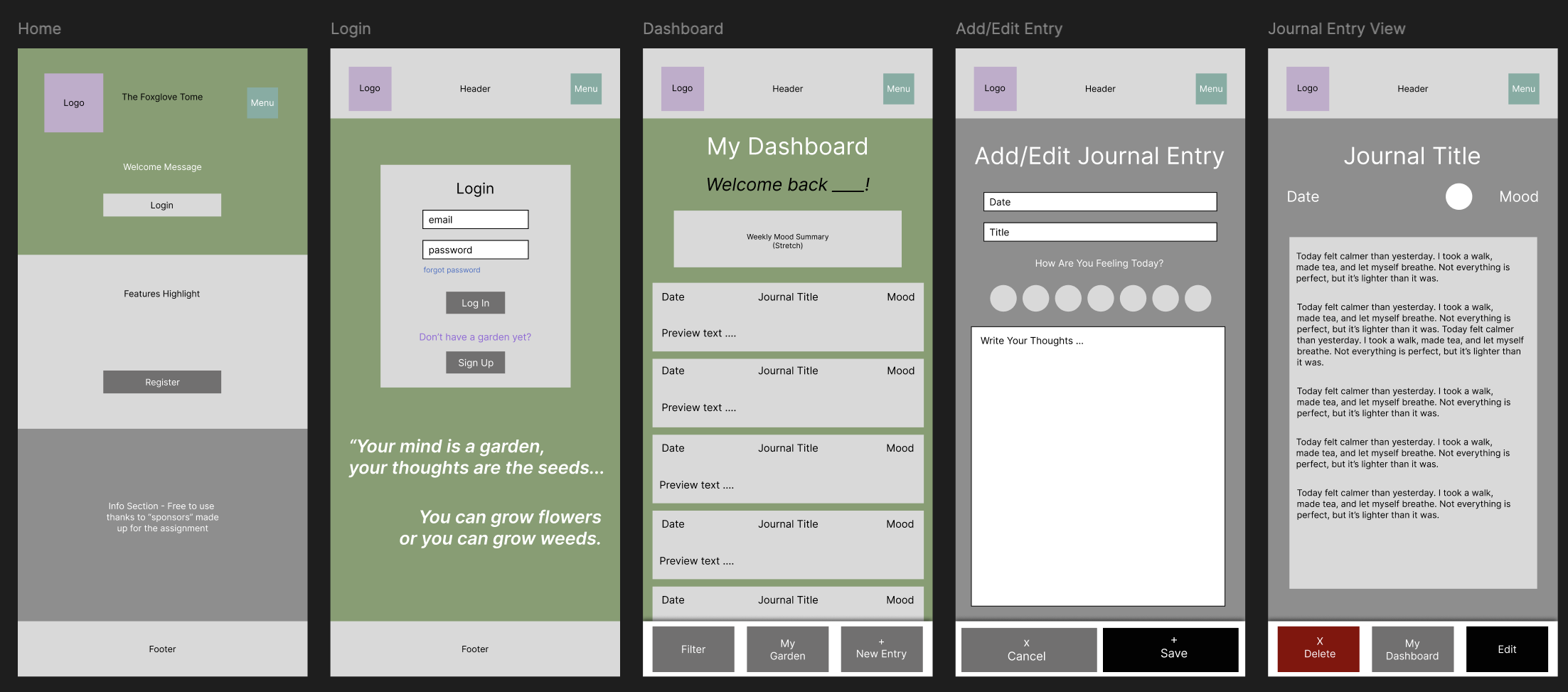
Completed the proposal document, wireframe and UML Diagram
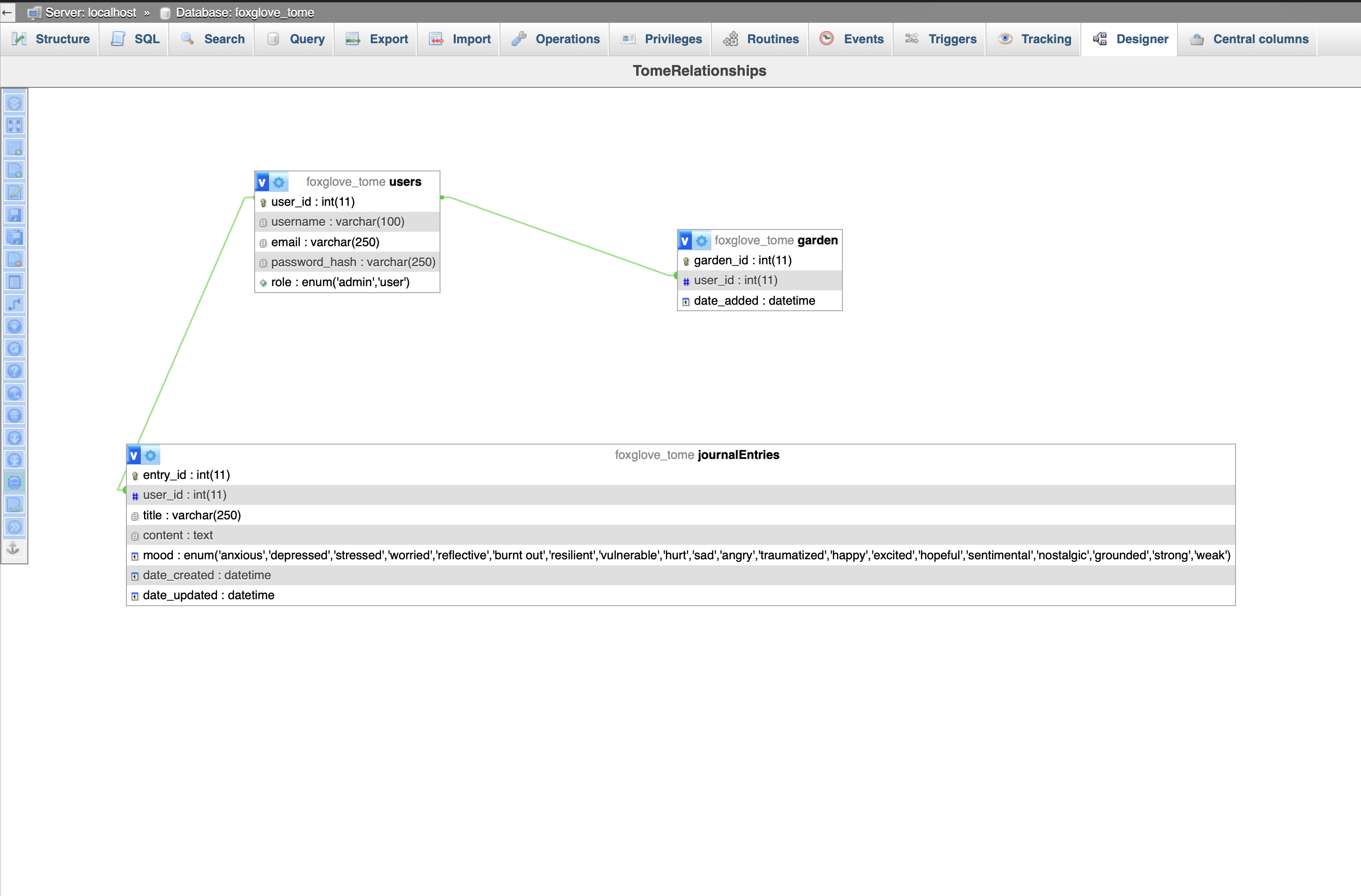
Created the logo for The Foxglove Tome using Adobe Illustrator and exported the full package of sizes. Created the database and tables in PHP.

Created the GitHub repo, started the folder scaffolding and connected to the database.
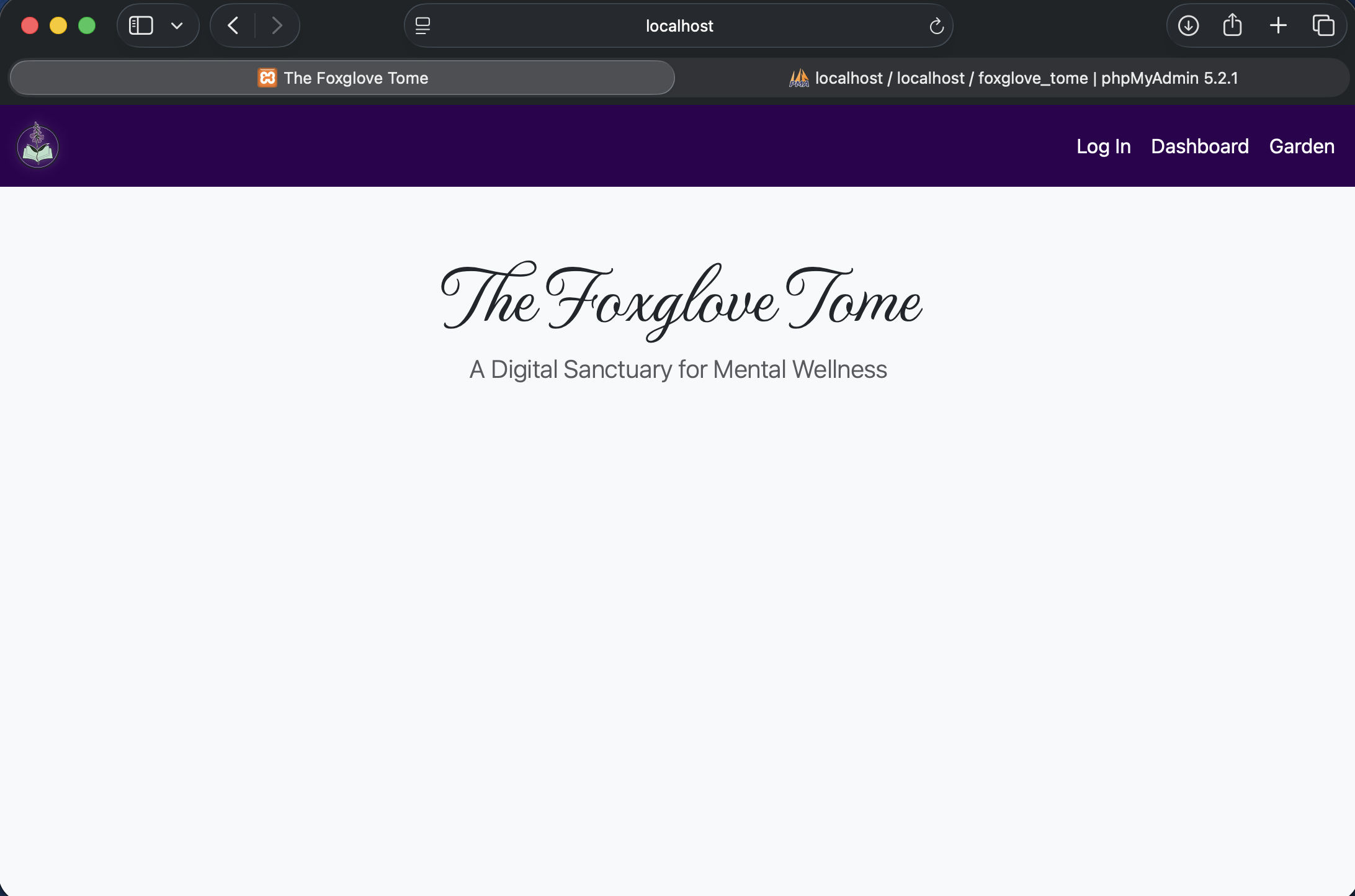
Started working on the nav bar and home page to test progress.
Started working on the mood category icons using Adobe Illustrator
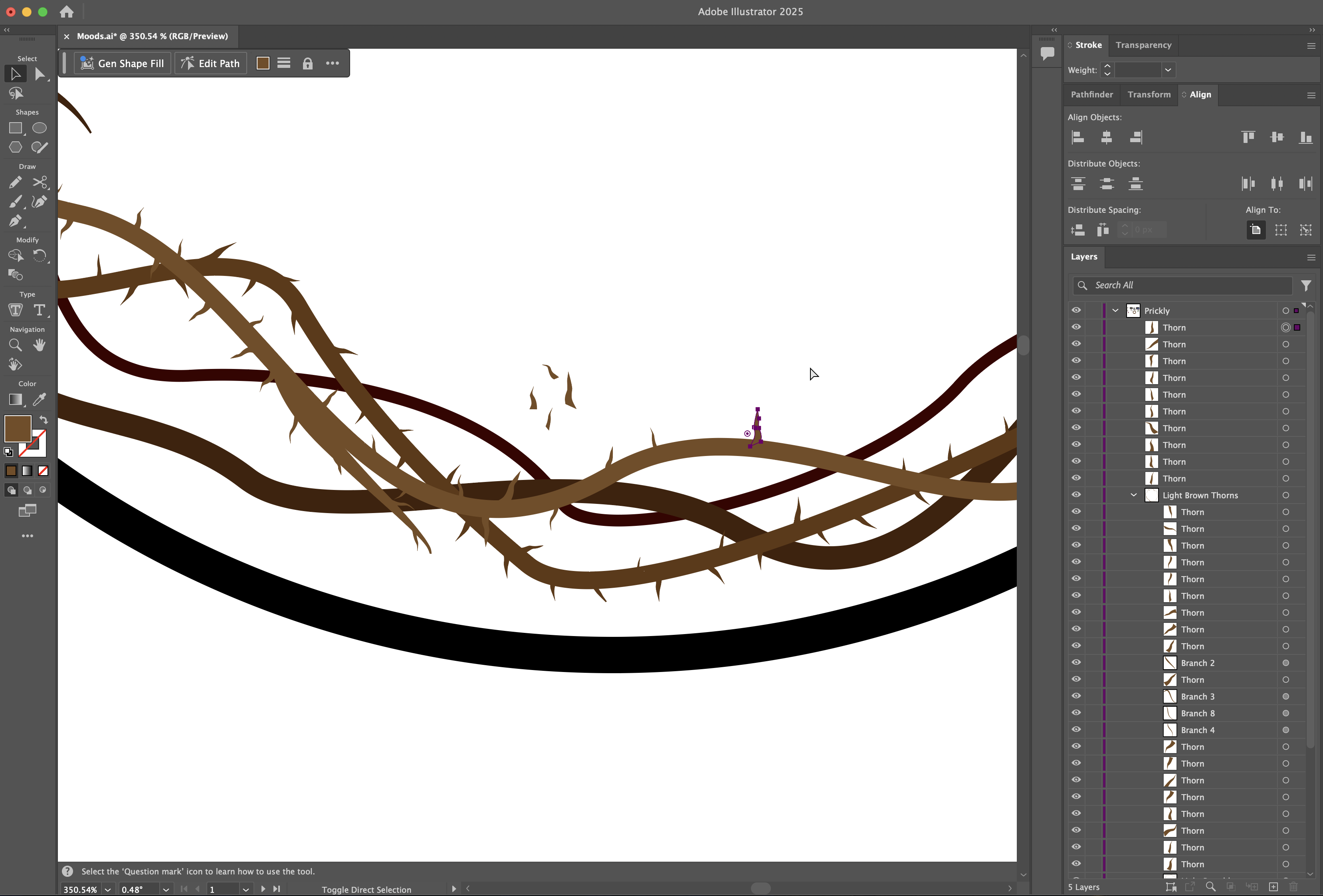
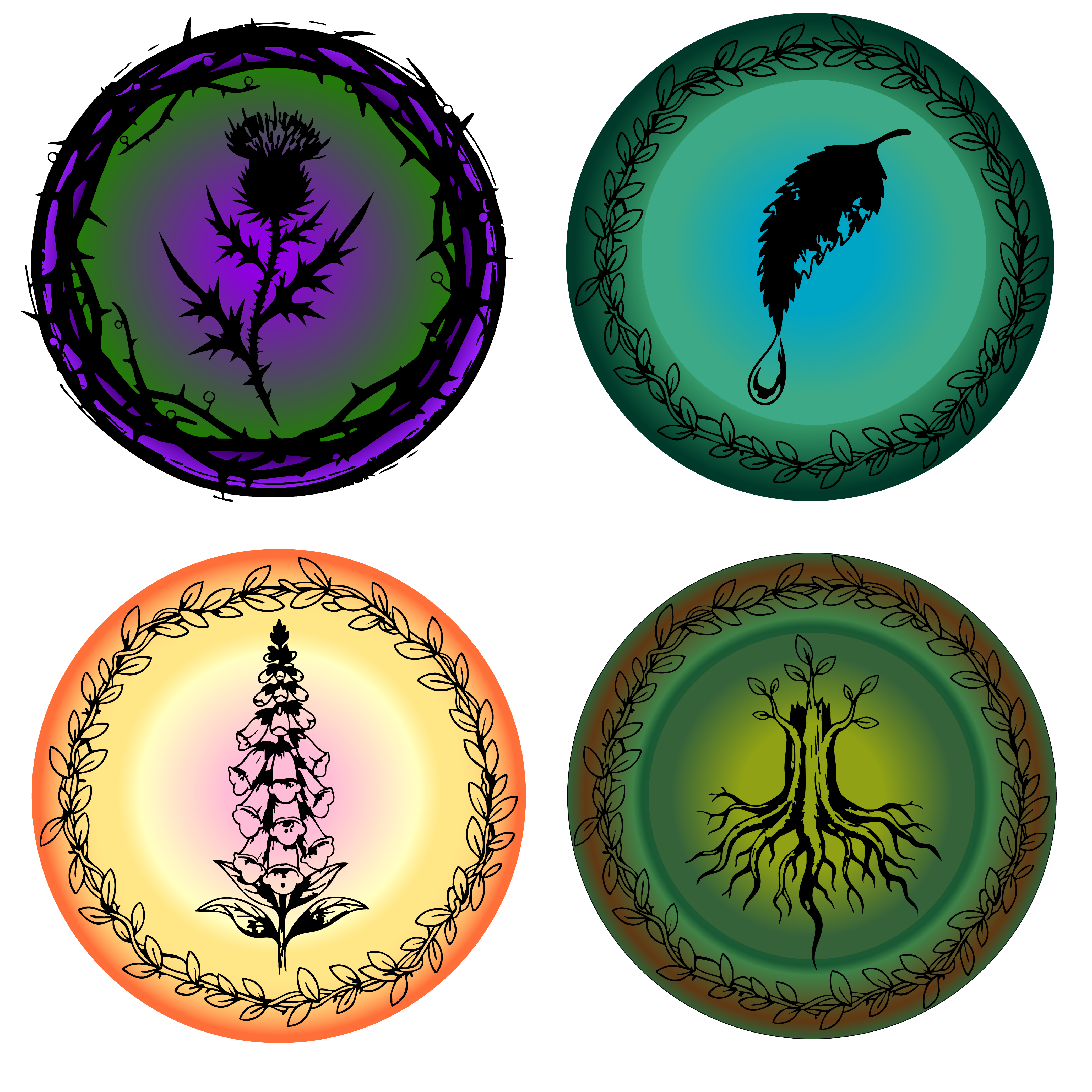
Changed asset strategies for better time management and completed mood category icons
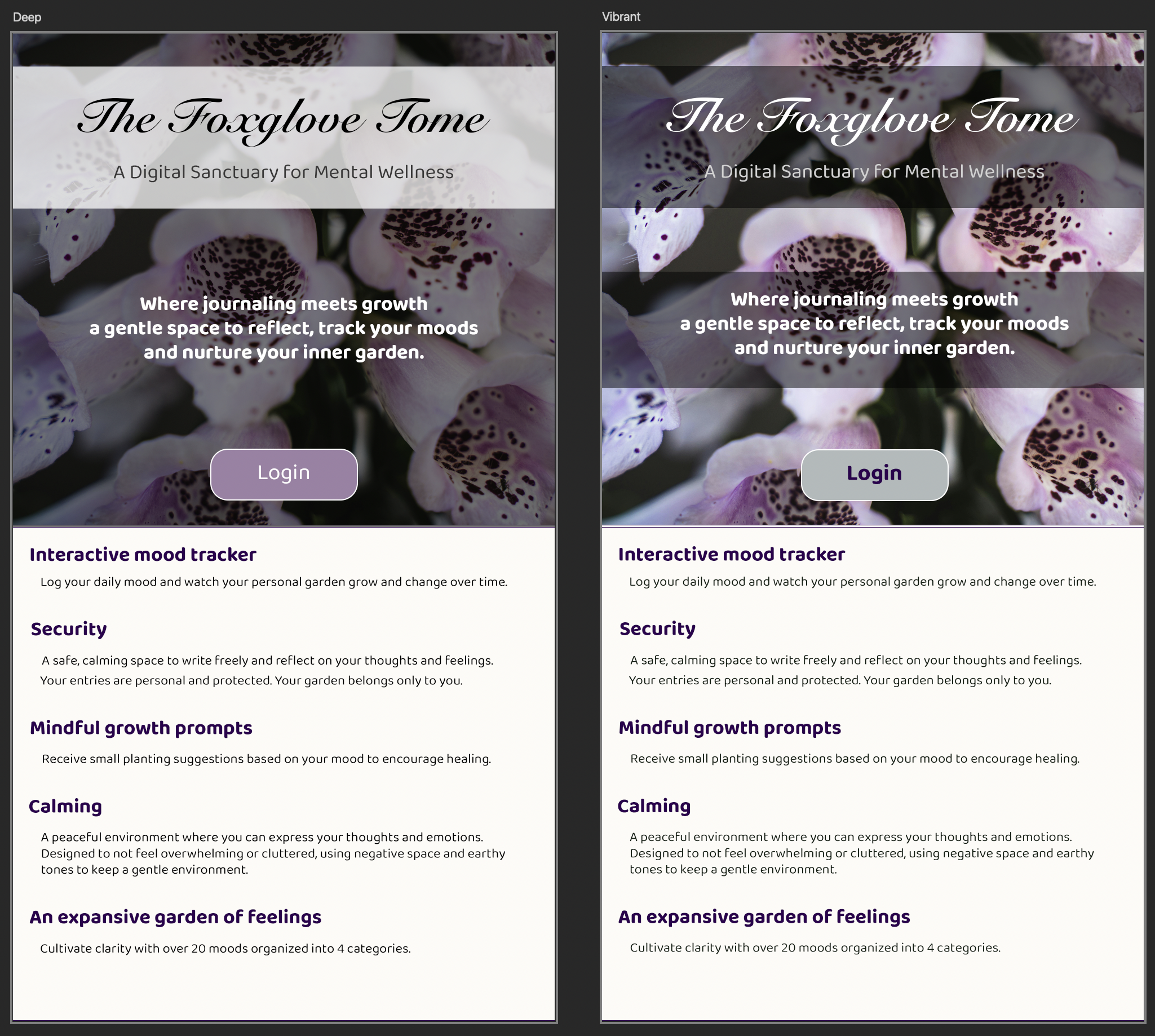
This week I reached out for some feedback from someone with vision difficulties. I created two visual comfort options to be accessible through an easy to use toggle setting.
I also began coding!
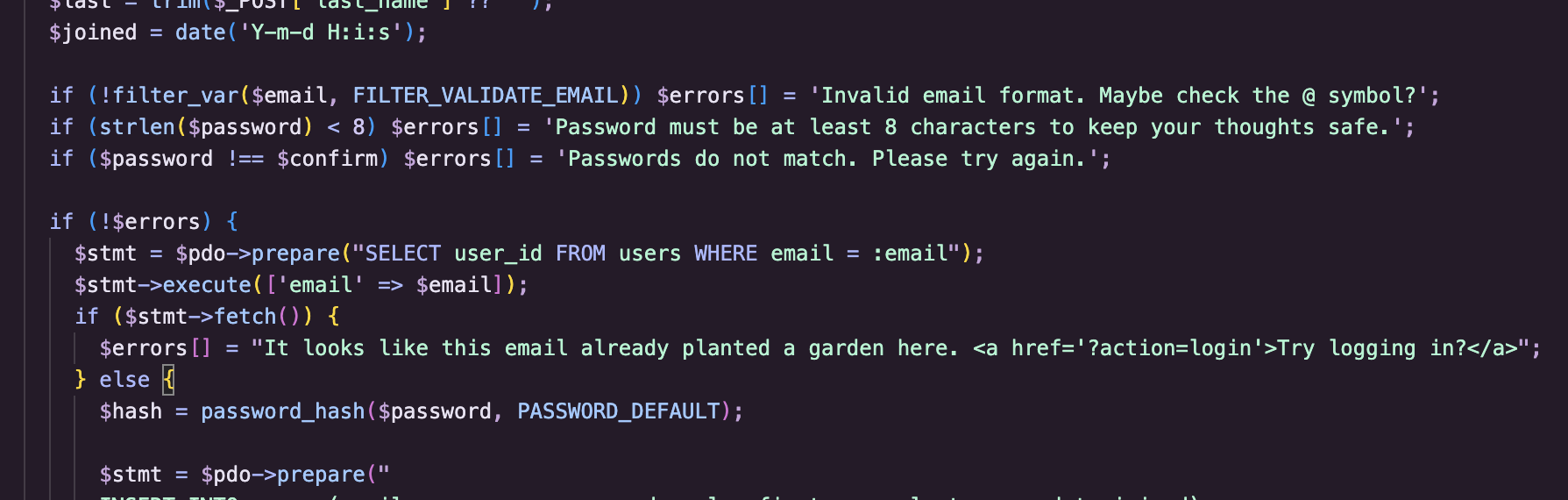
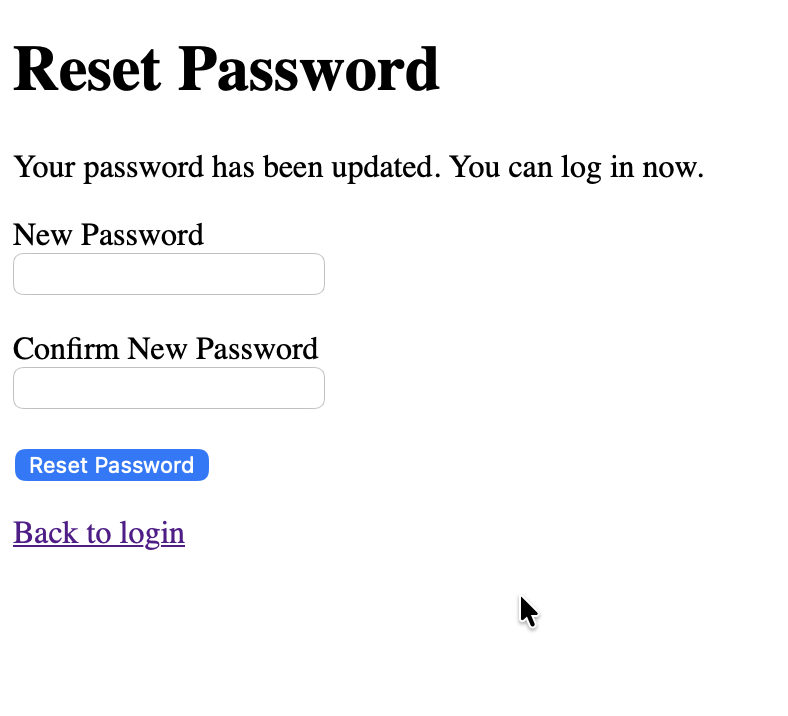
Added Signup, login, logout and forgot password/reset password
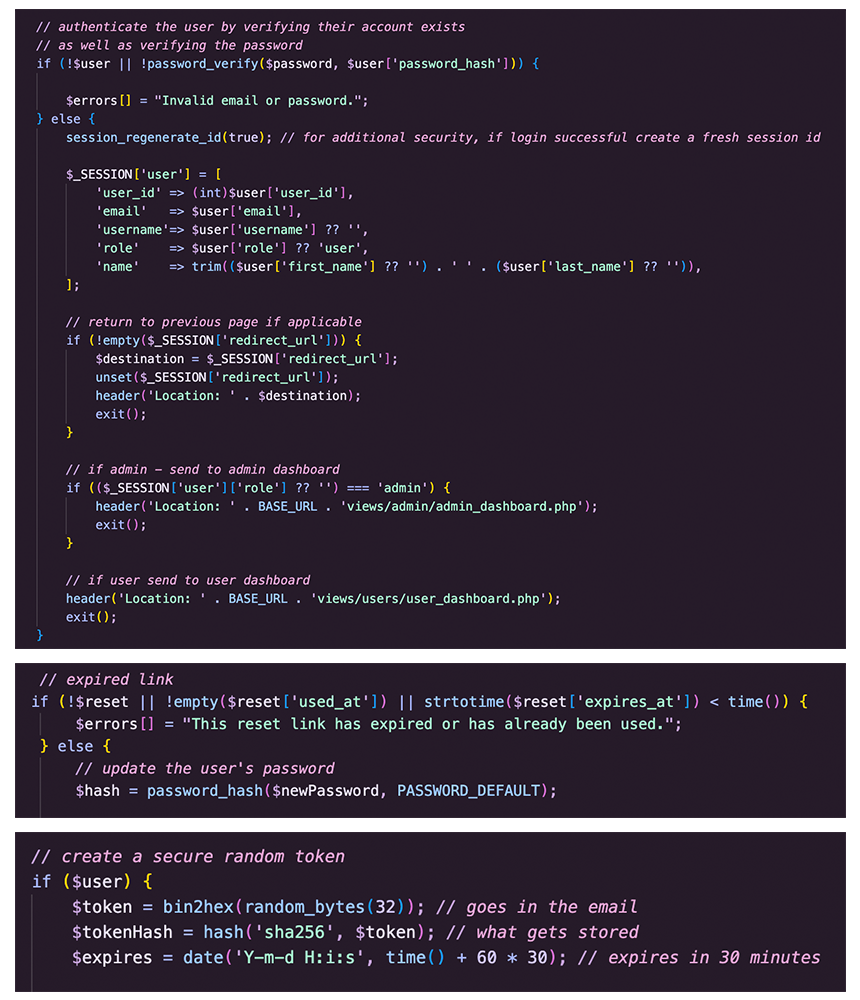
Added some basic viewing pages to test authentication.
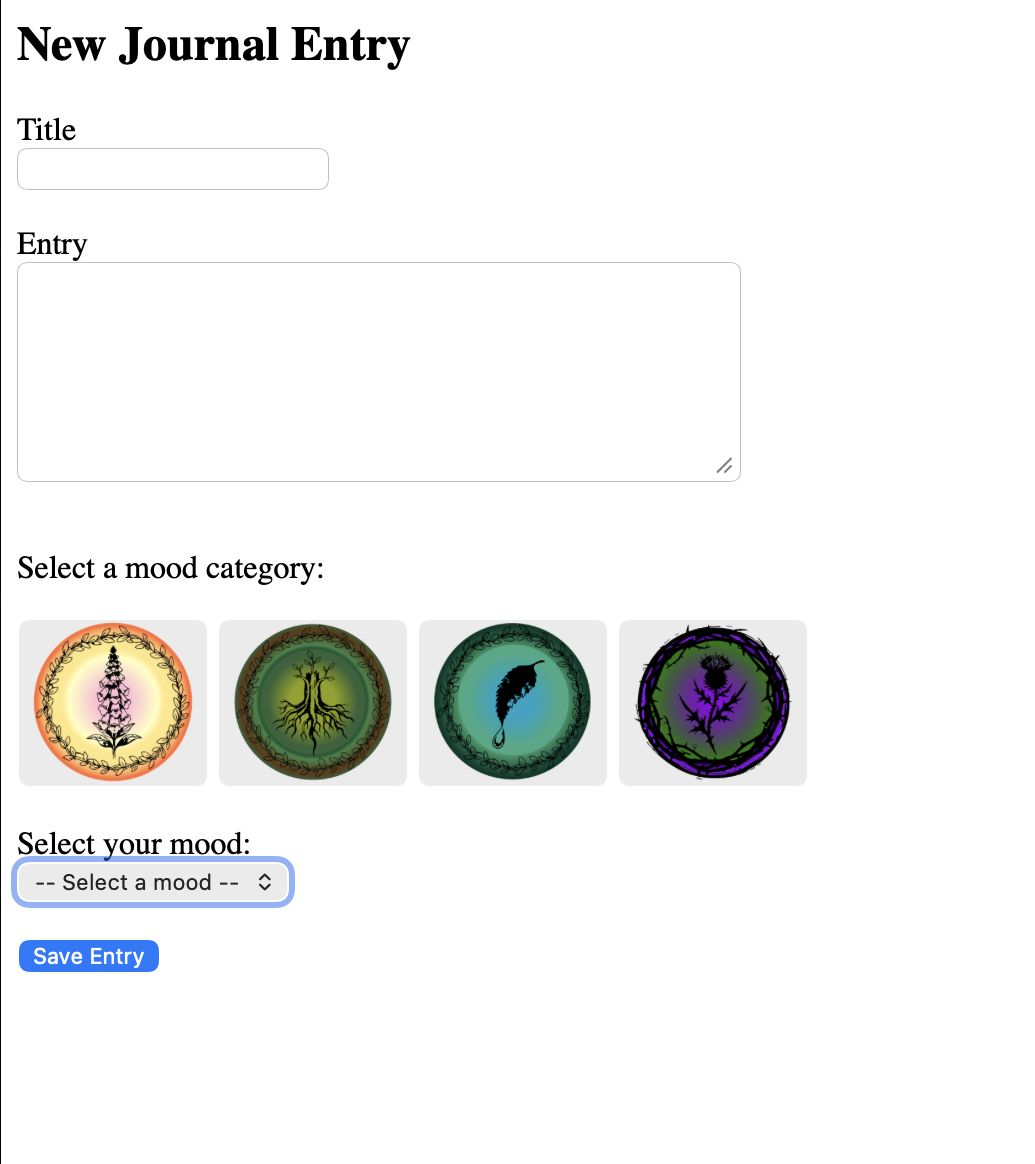
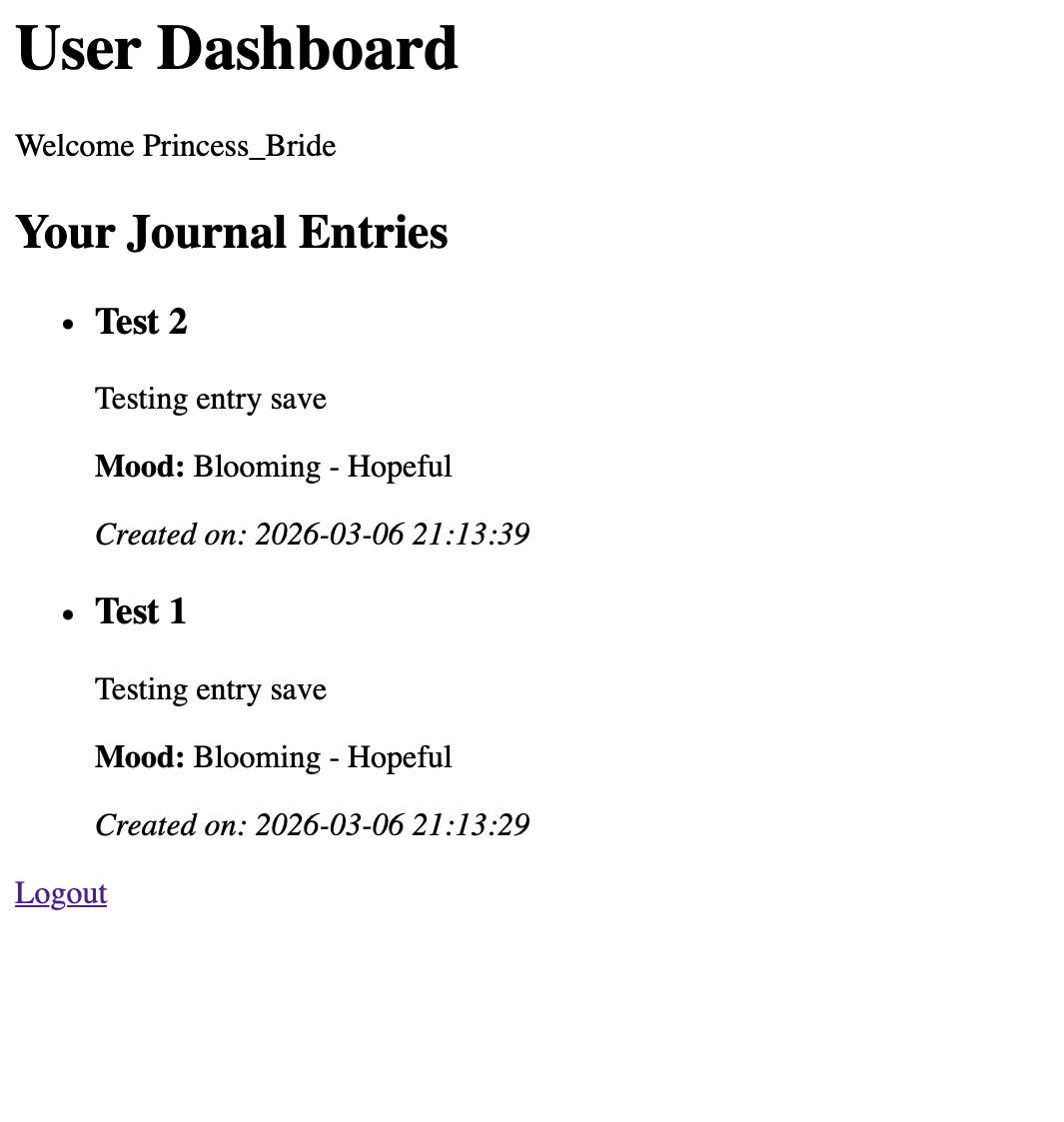
Started working on the journal entries and user dashboard.
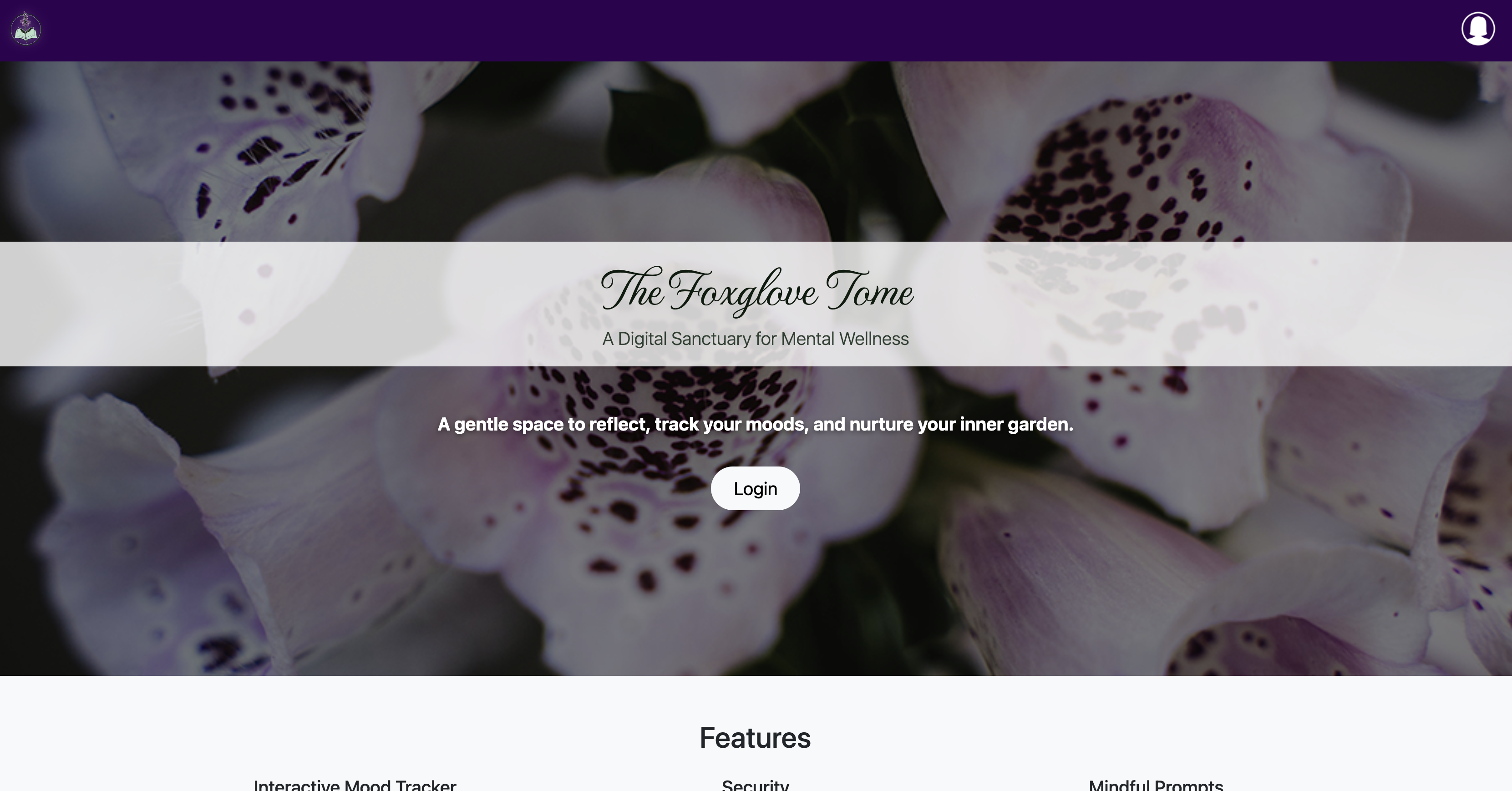
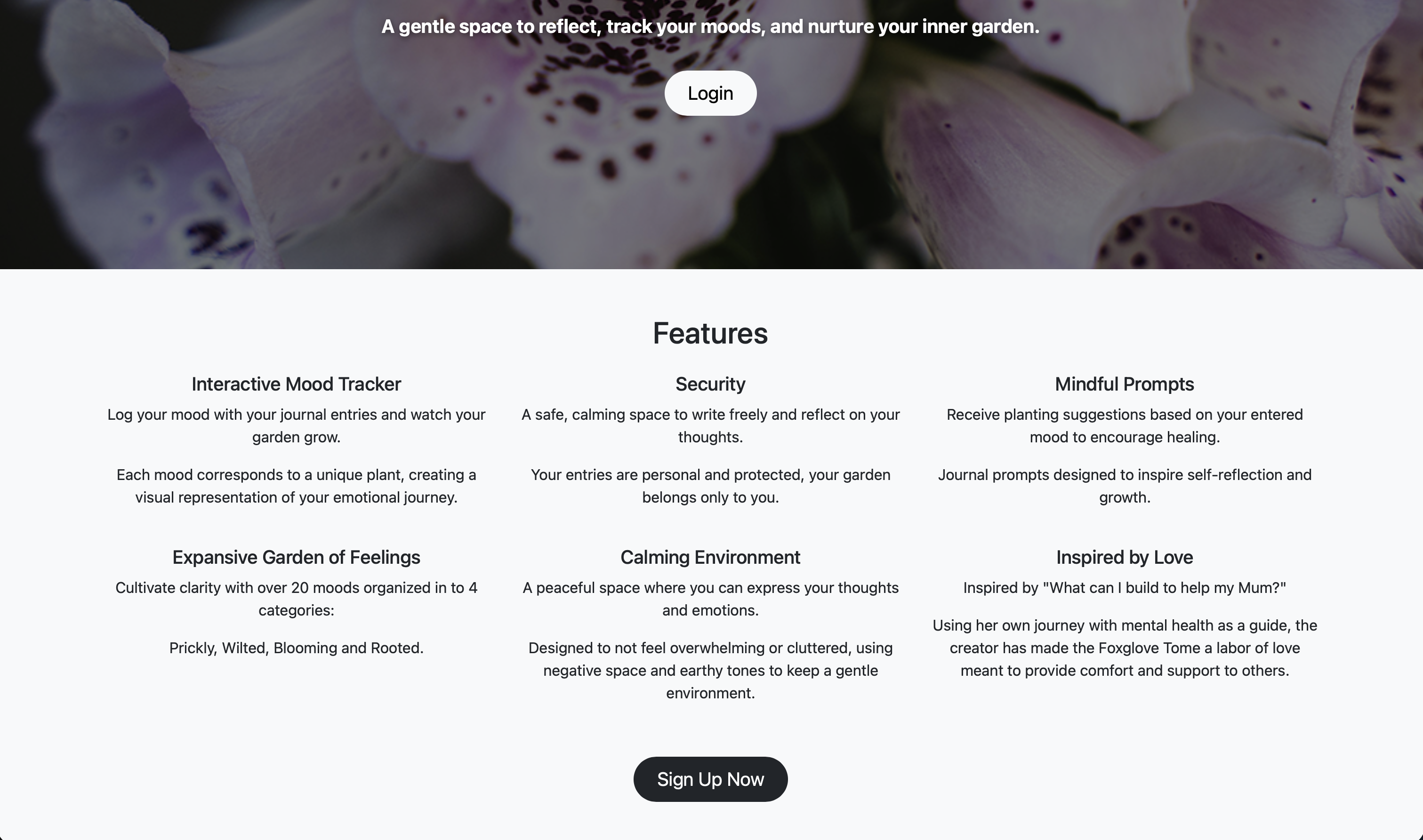
Started work on the landing/home page with login button, sign up button and features highlight section.
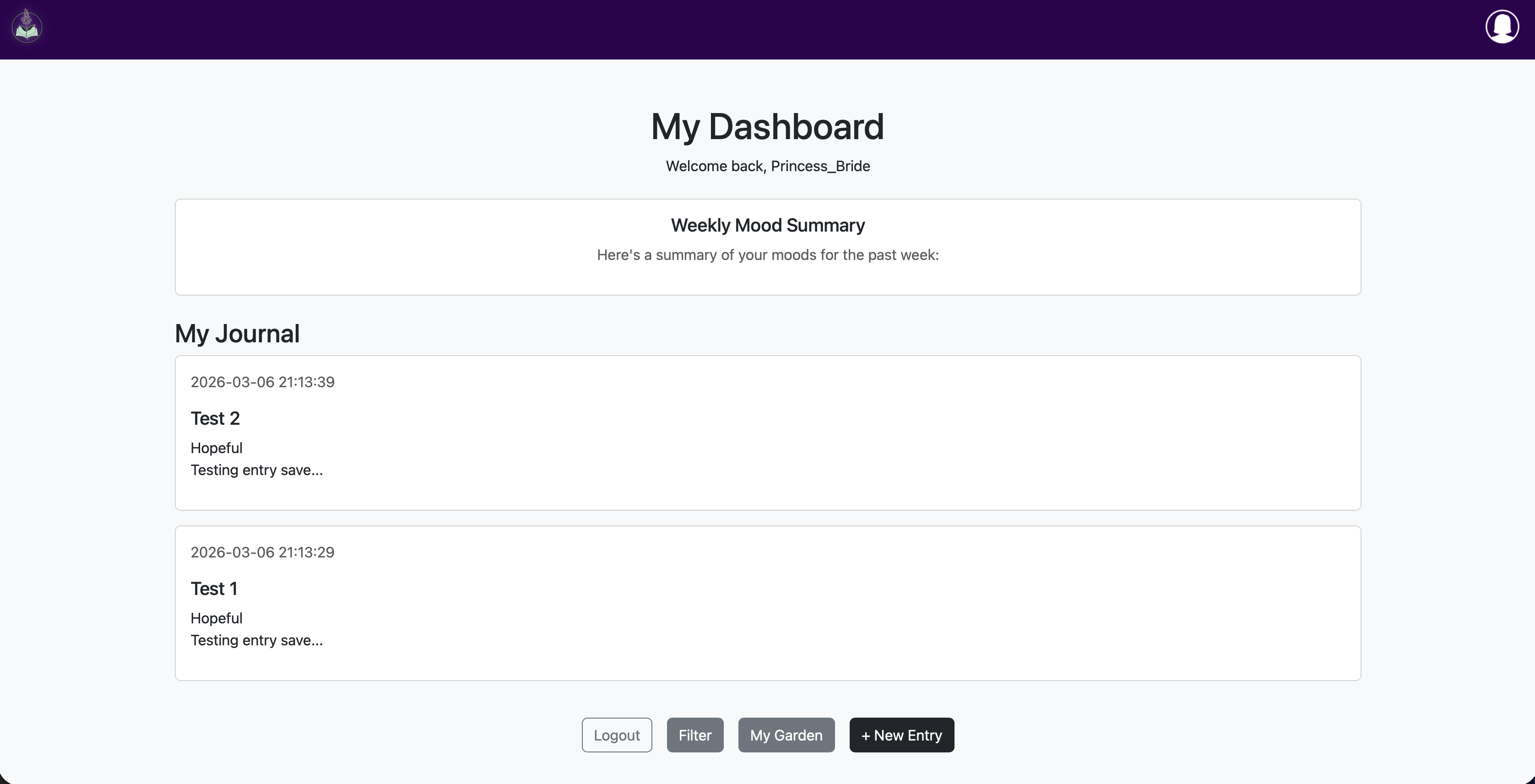
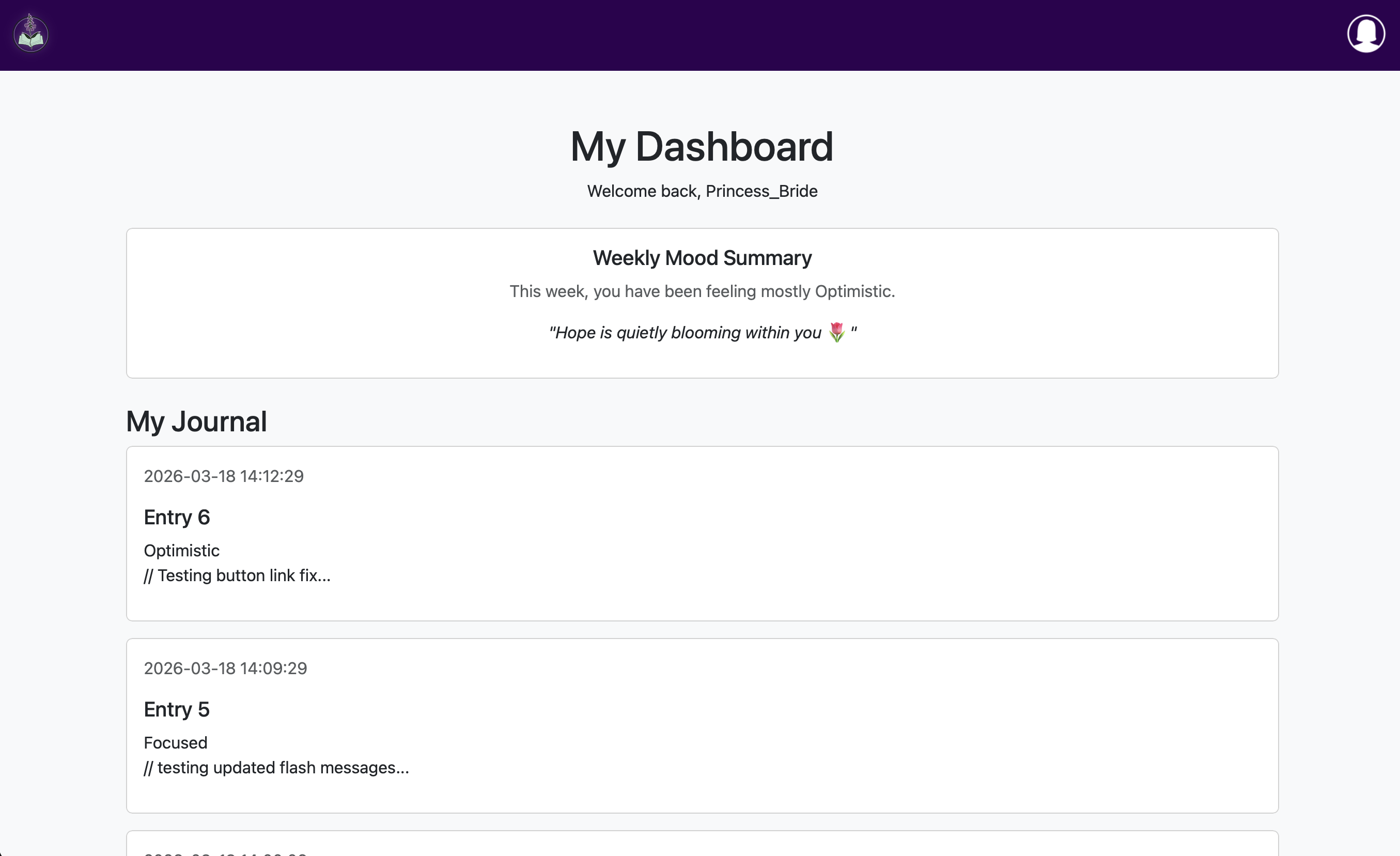
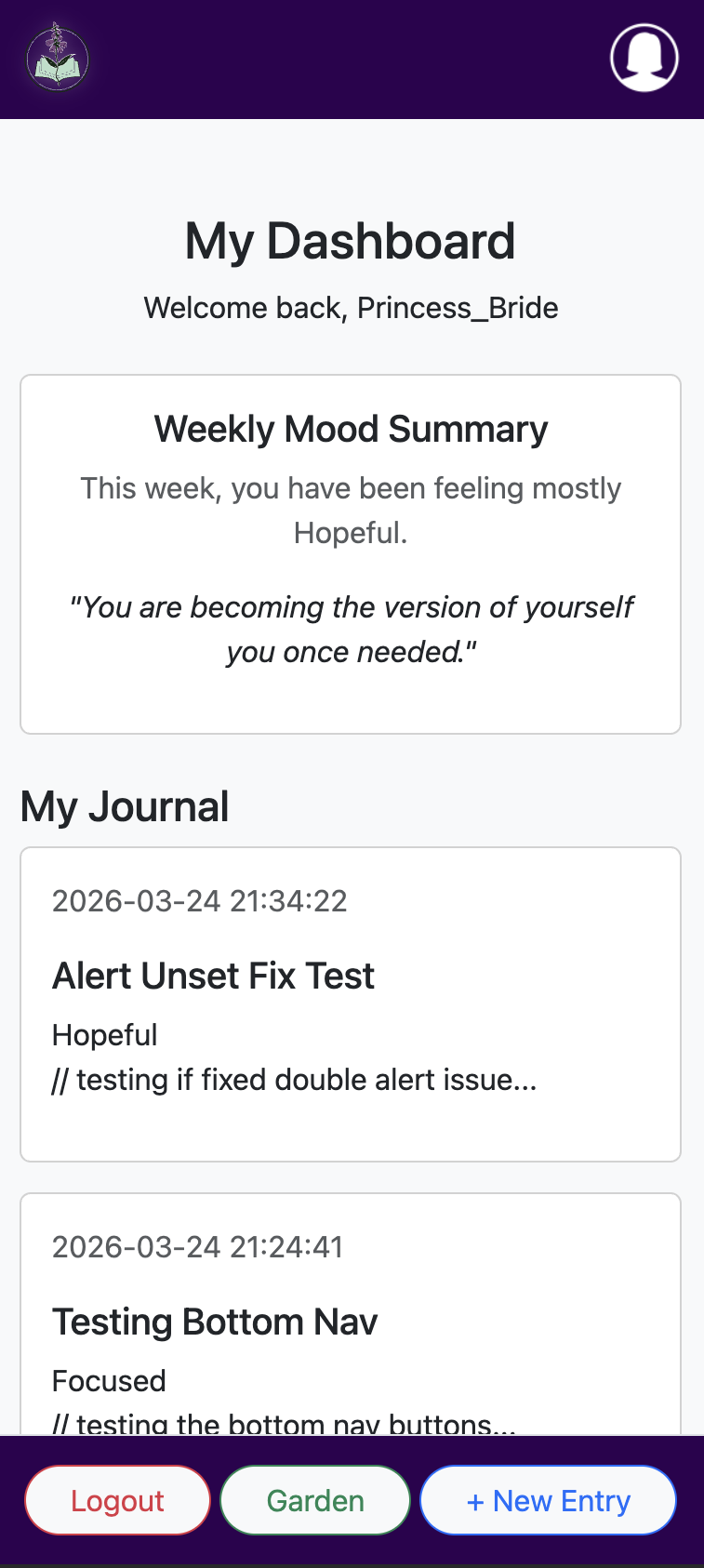
I also continued work on the dashboard, now showing the user's journal entries which are clickable to view the entry in full with edit and delete buttons.
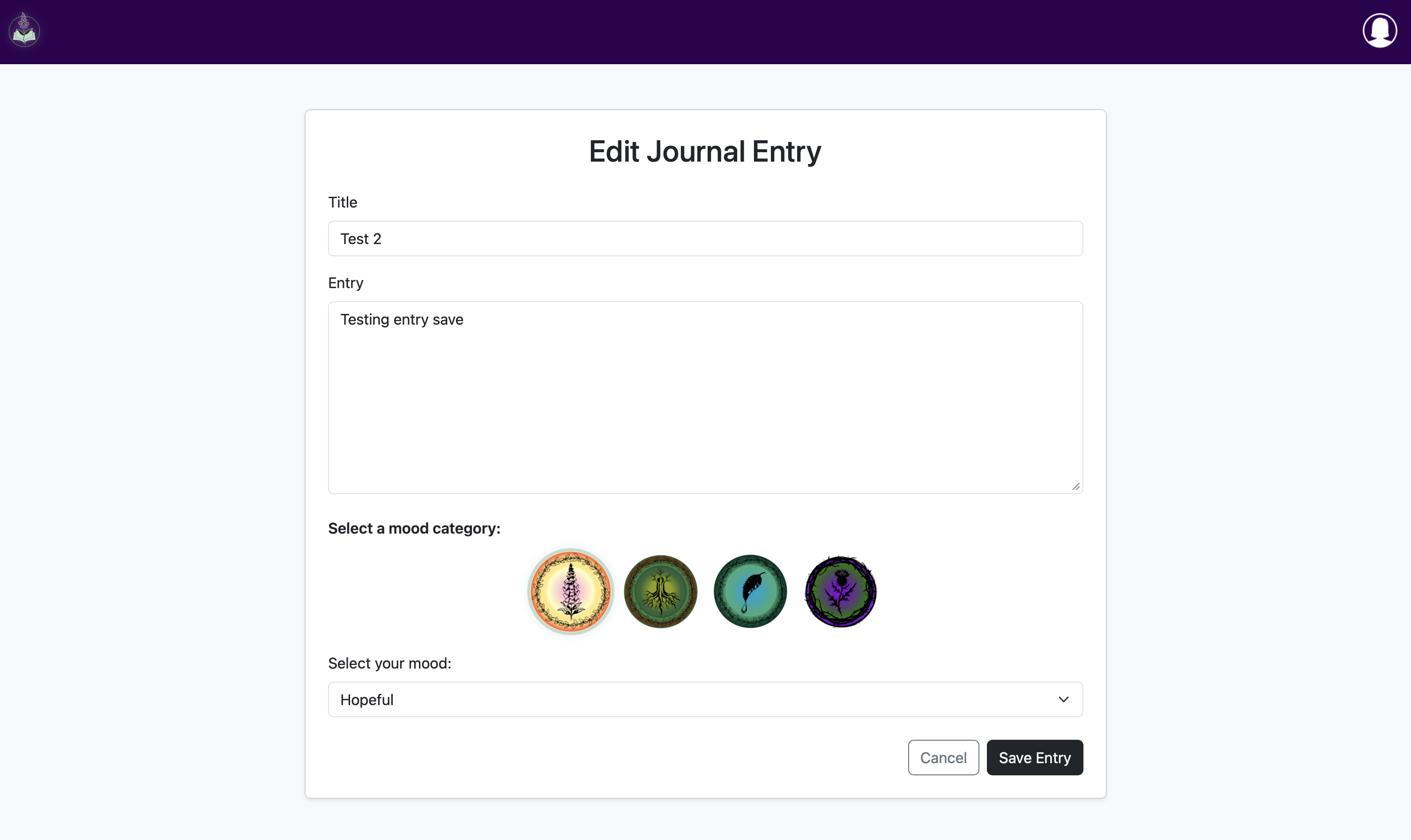
Added edit functionality for journal entries and improved the appearance of new entry & edit entry
Added delete functionality for journal entries
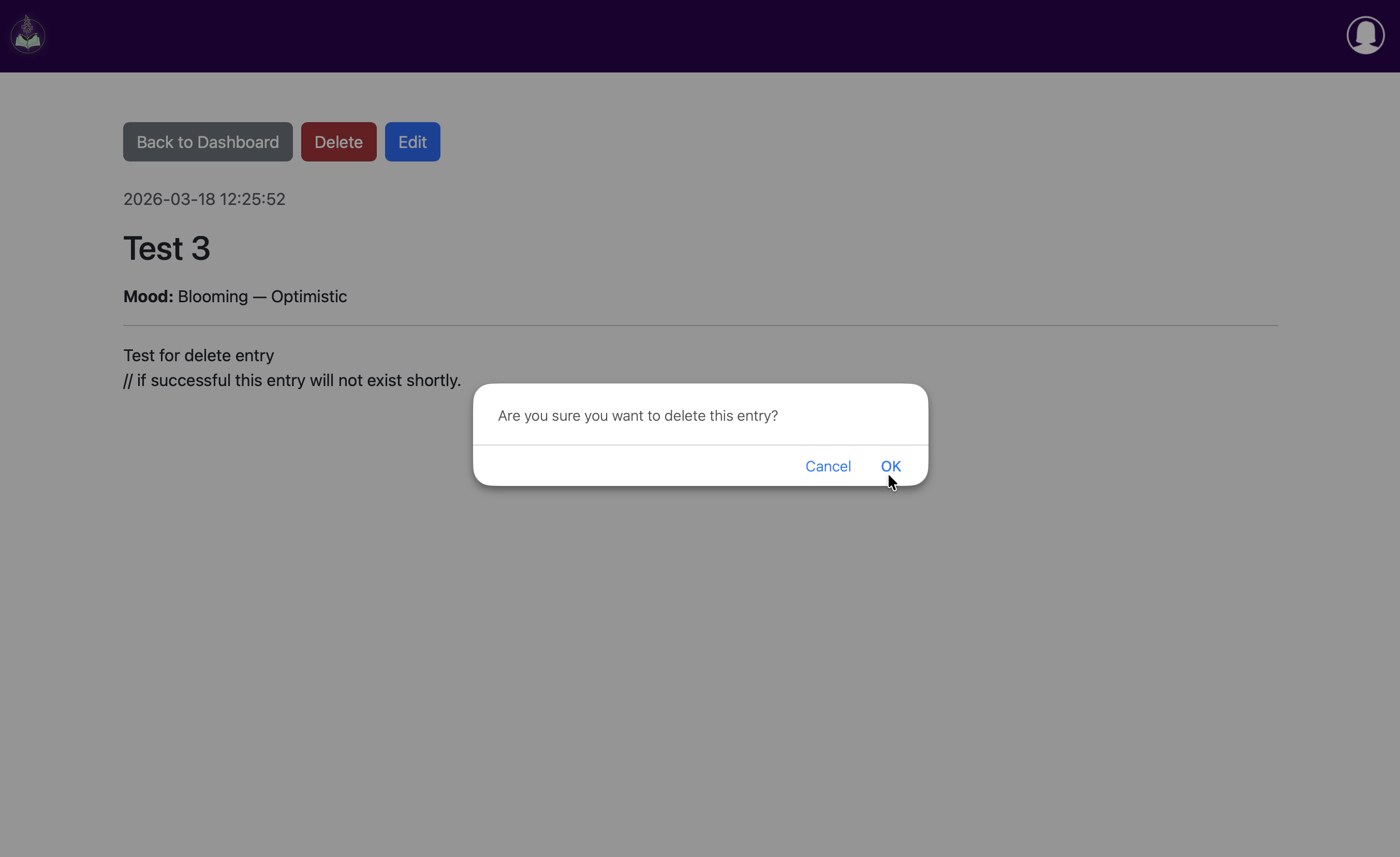
Added themed tone and clarity to flash messages
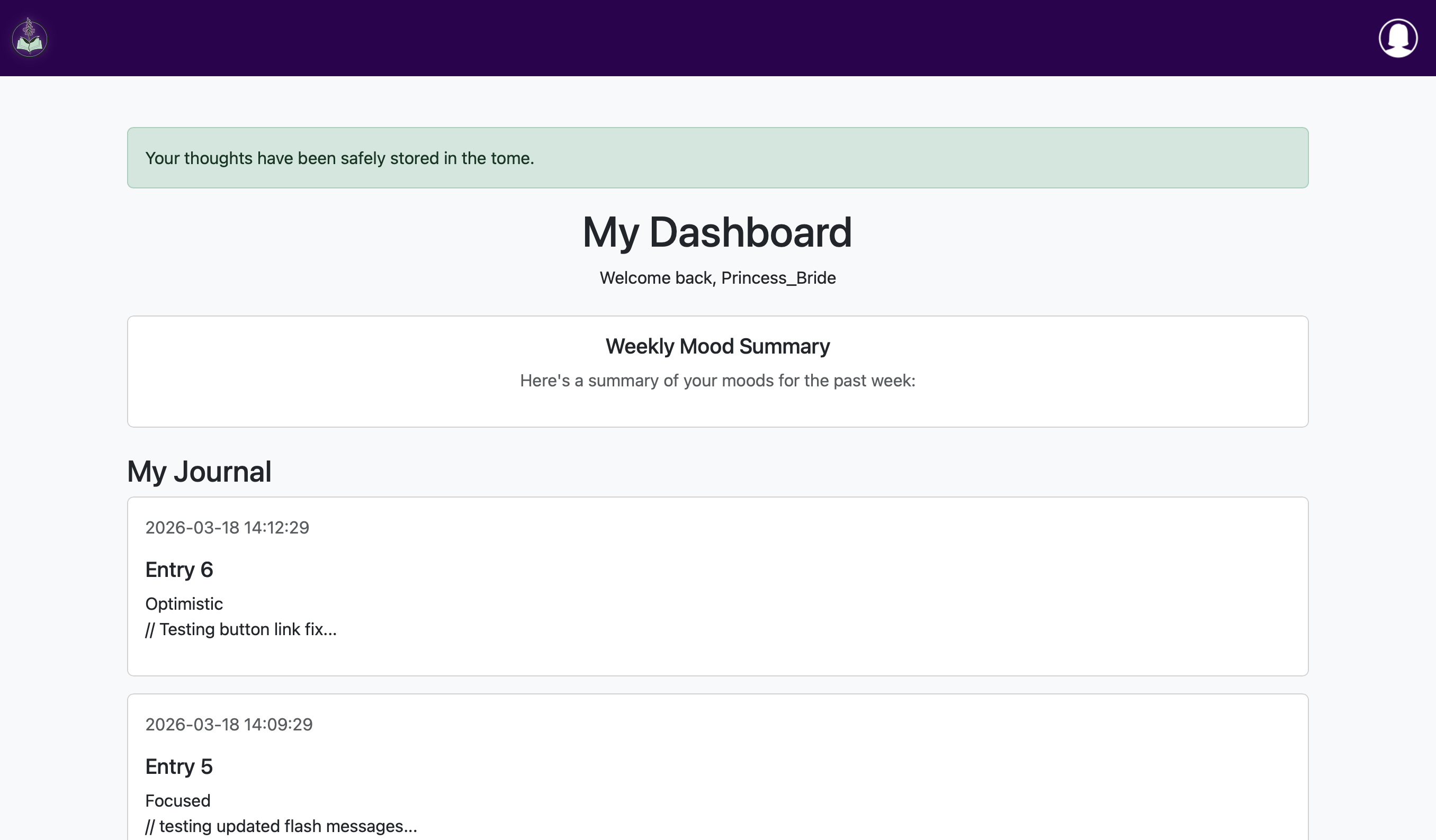
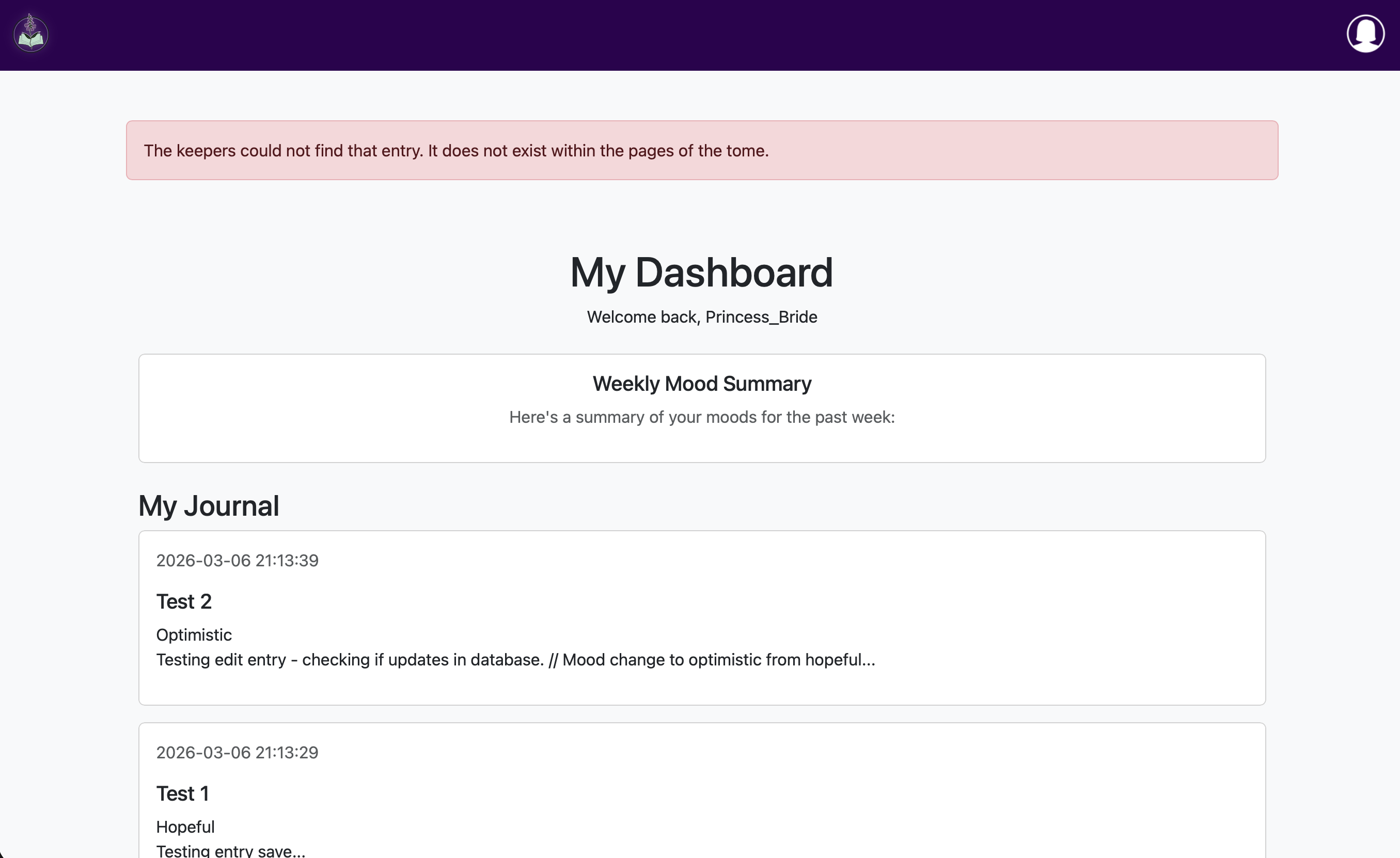
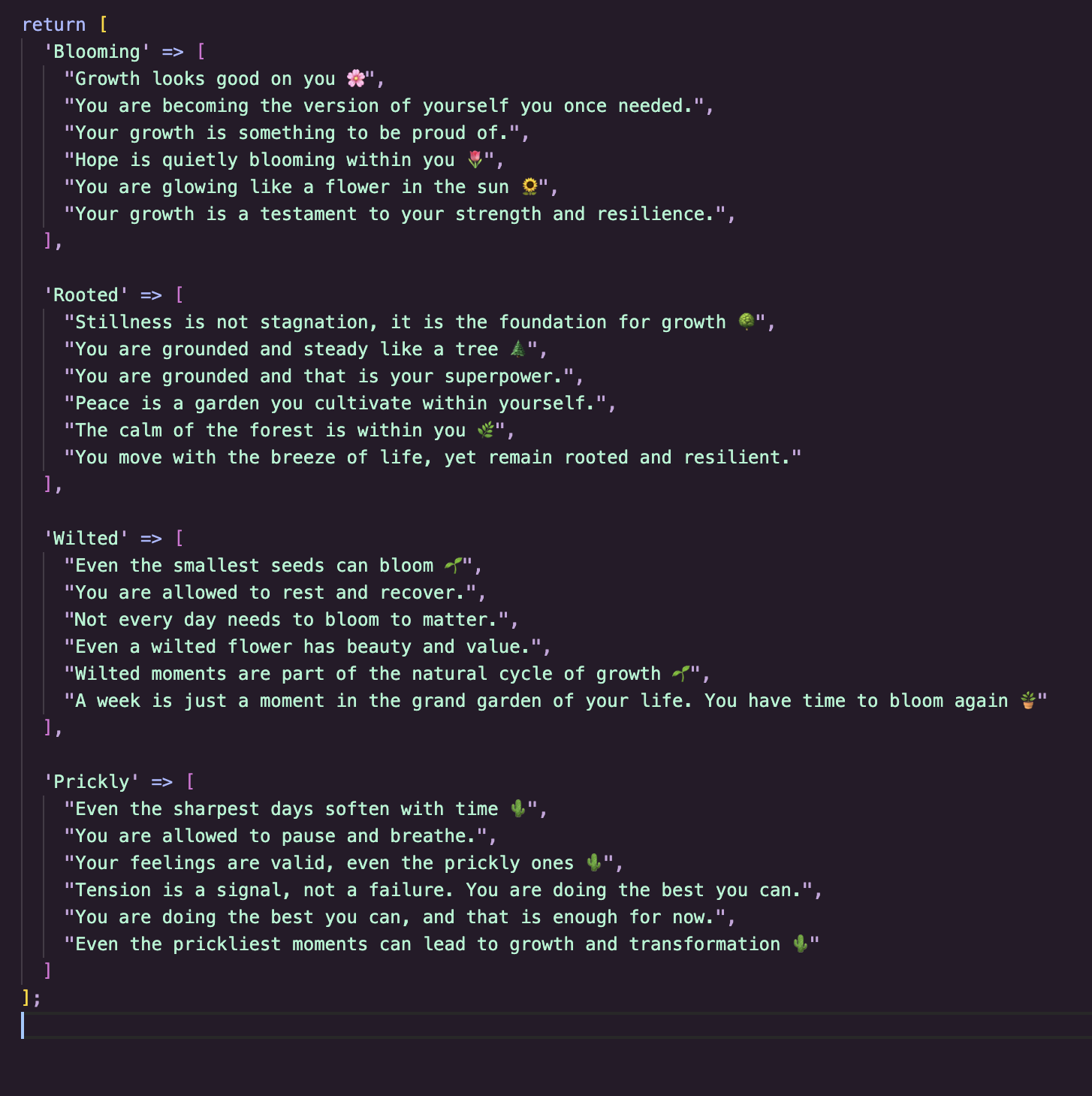
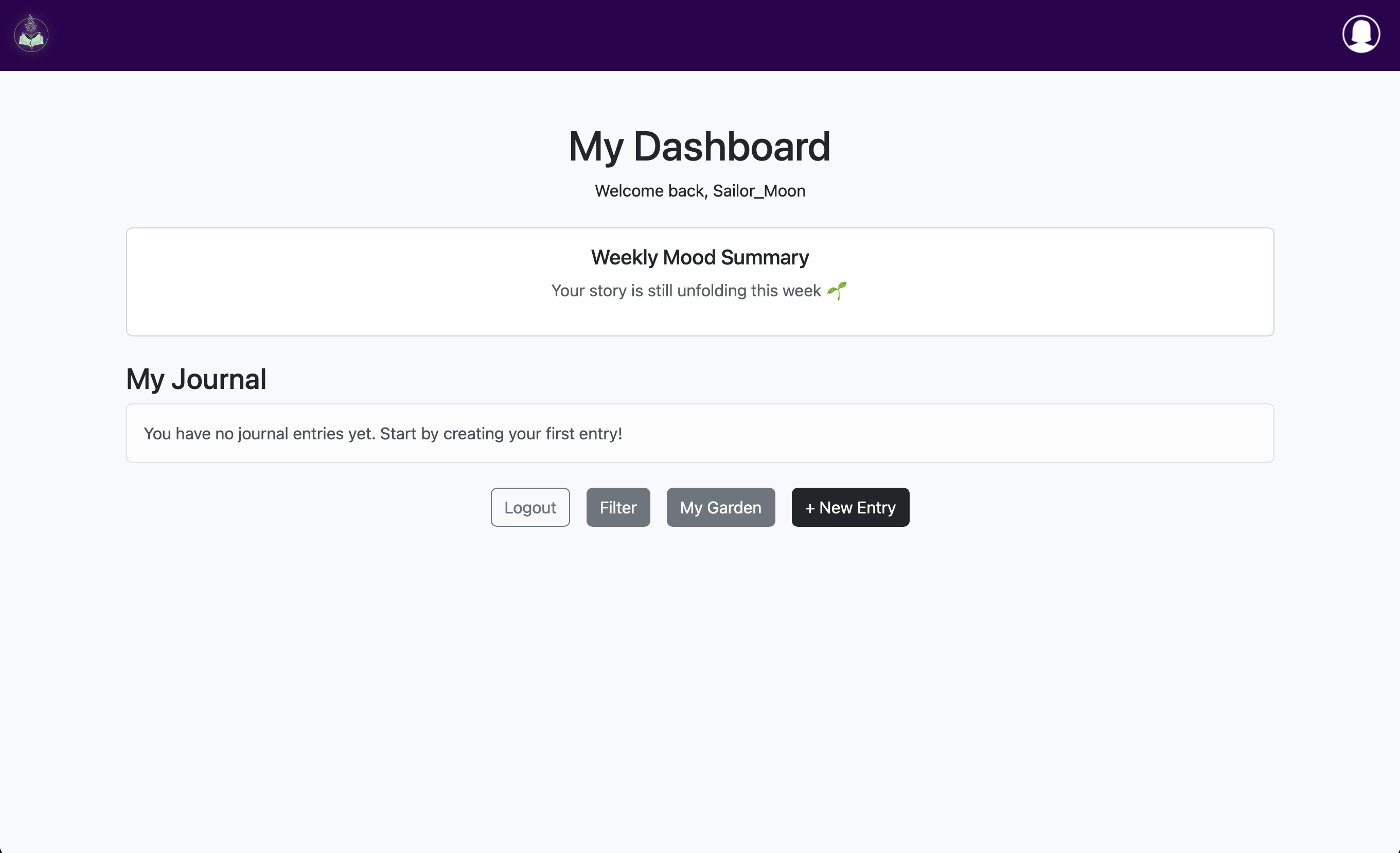
Got the mood summary up and running, including creating a 2nd test account for the empty state
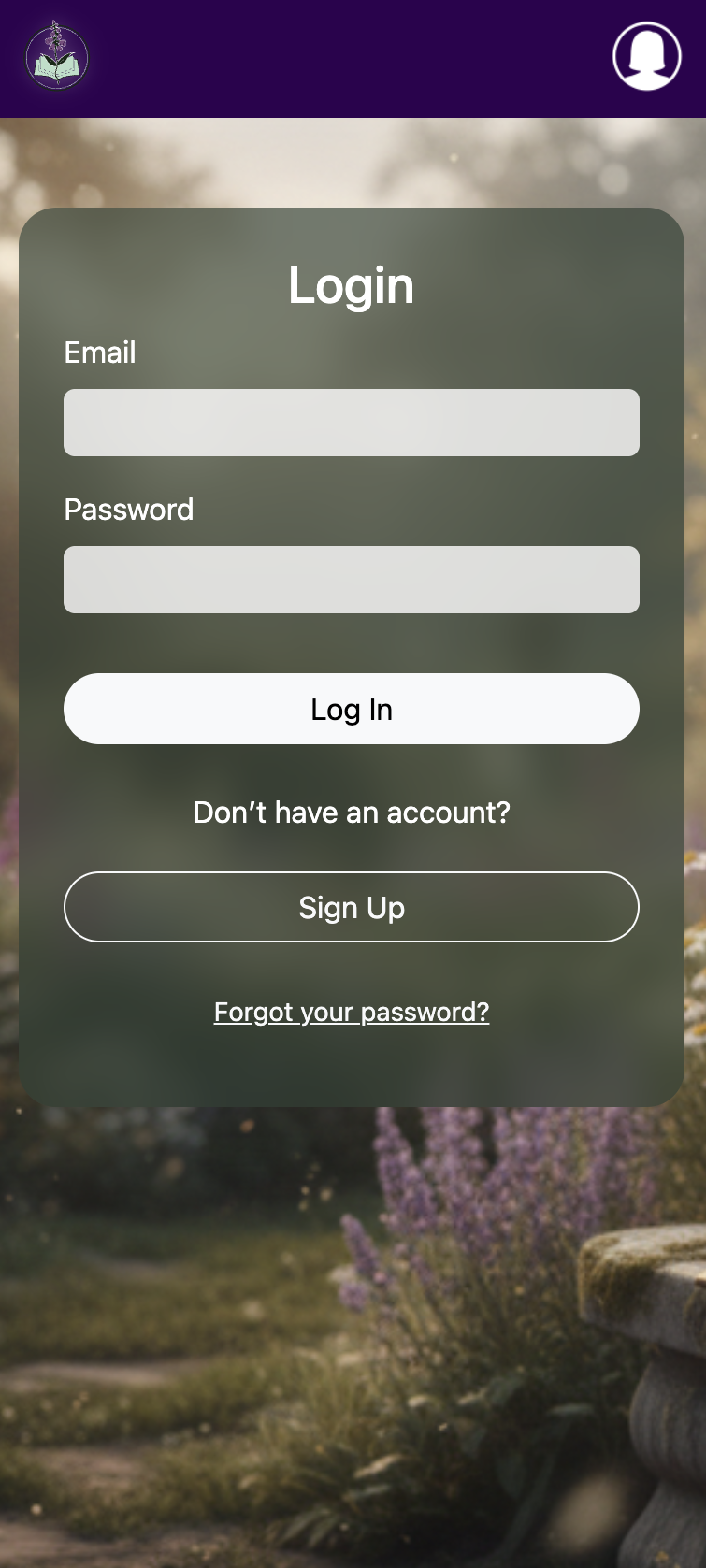
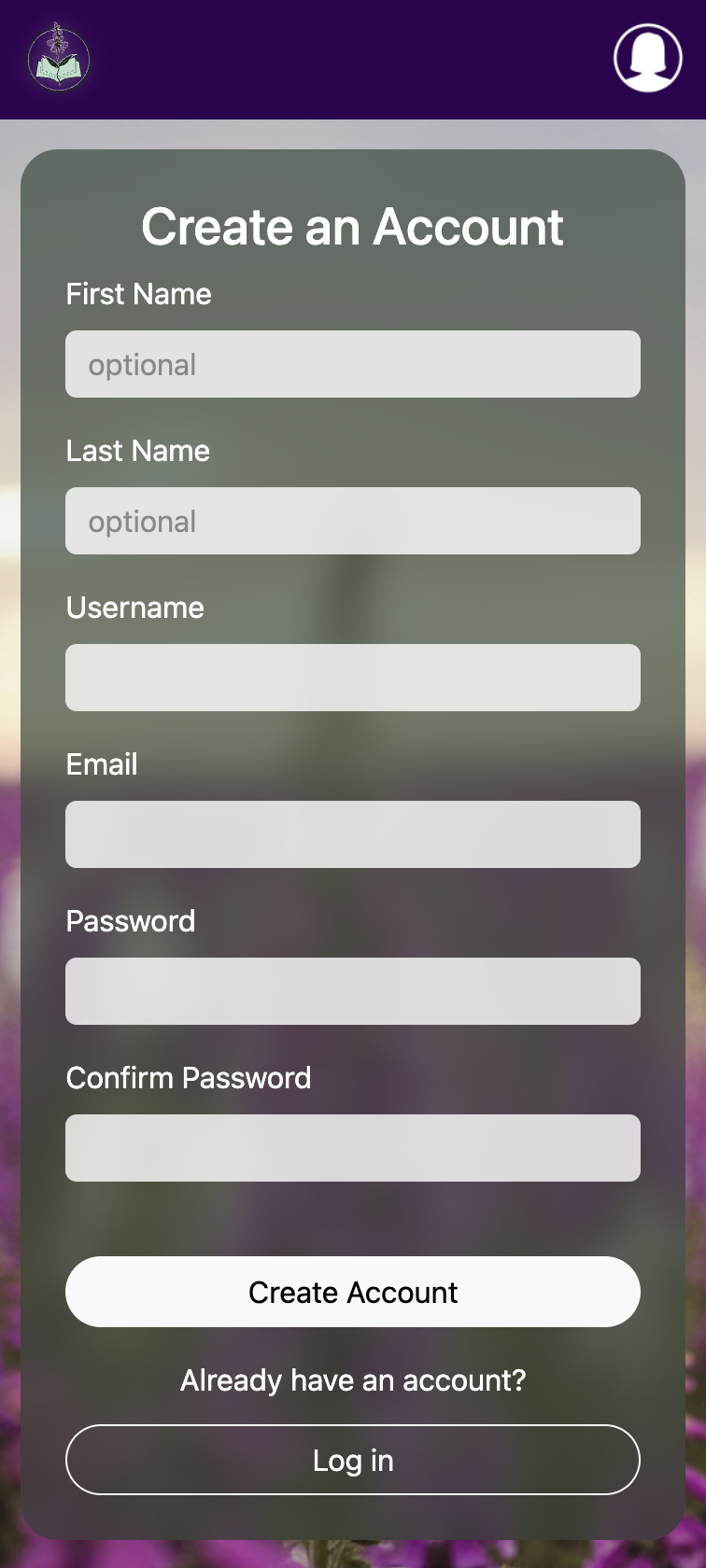
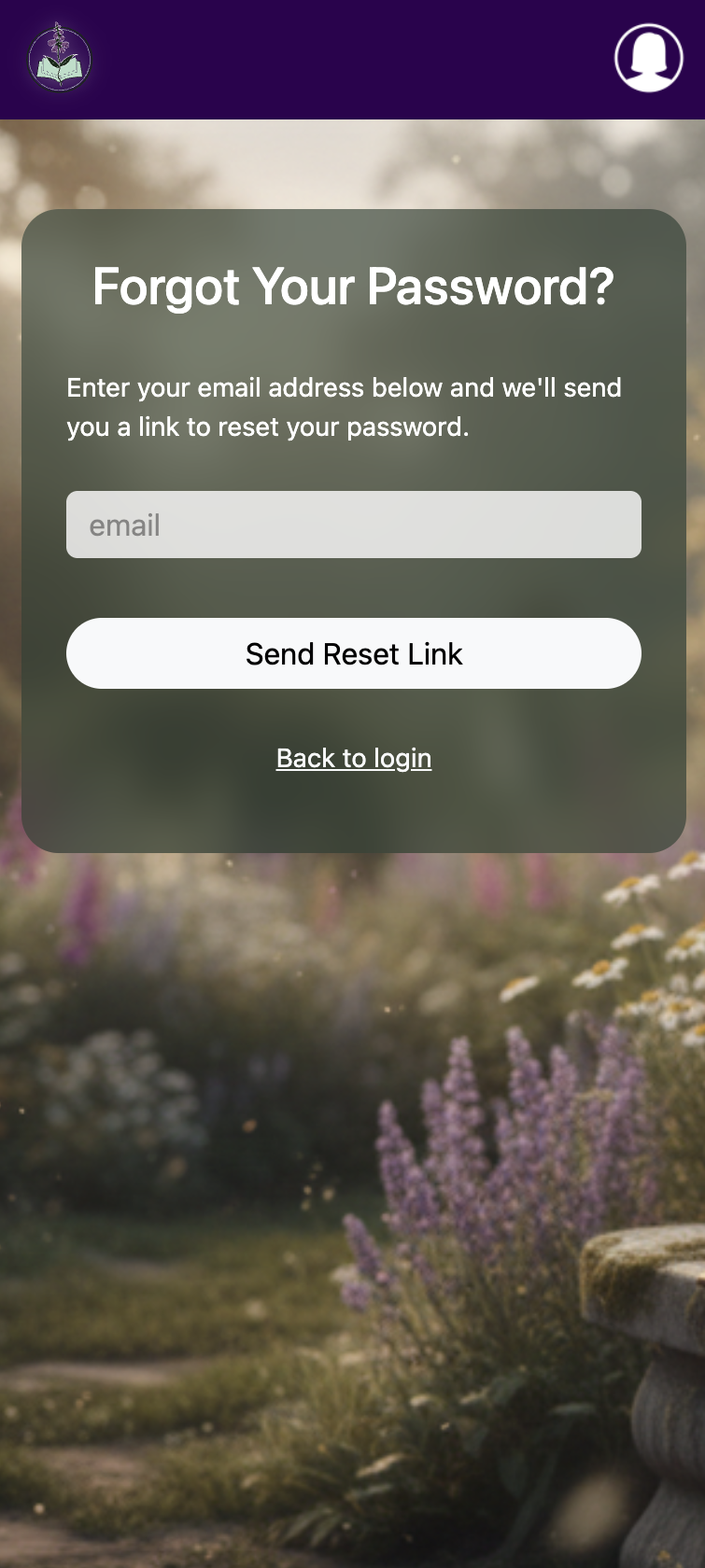
Added the UI for login, signup and forgot password pages
Added the bottom navbar with the buttons needed for the visible page
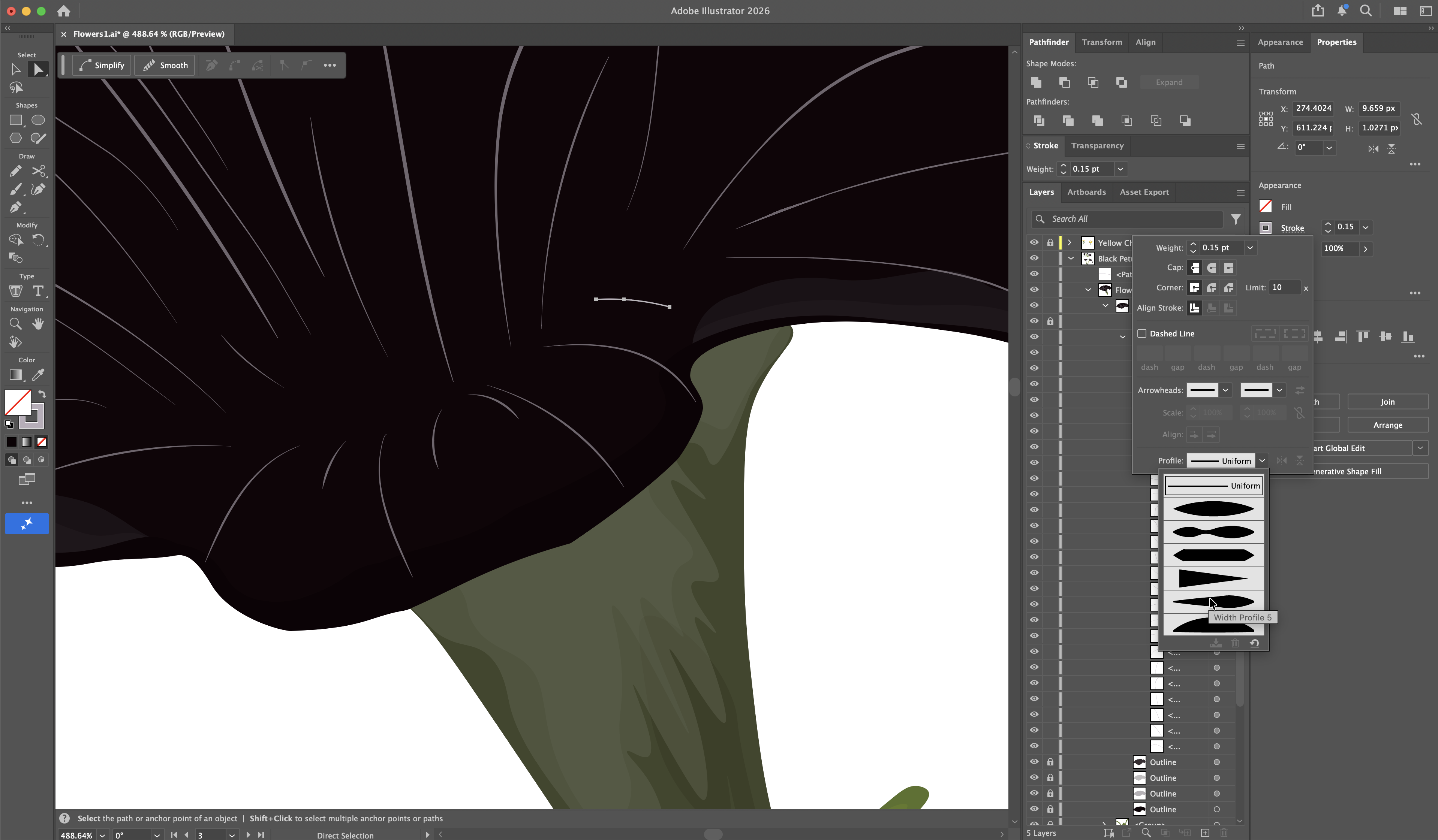
Got the garden functioning and started work on the the flowers in adobe illustrator. Using emoji placeholders for now. Also added a button that saves the garden as an image.
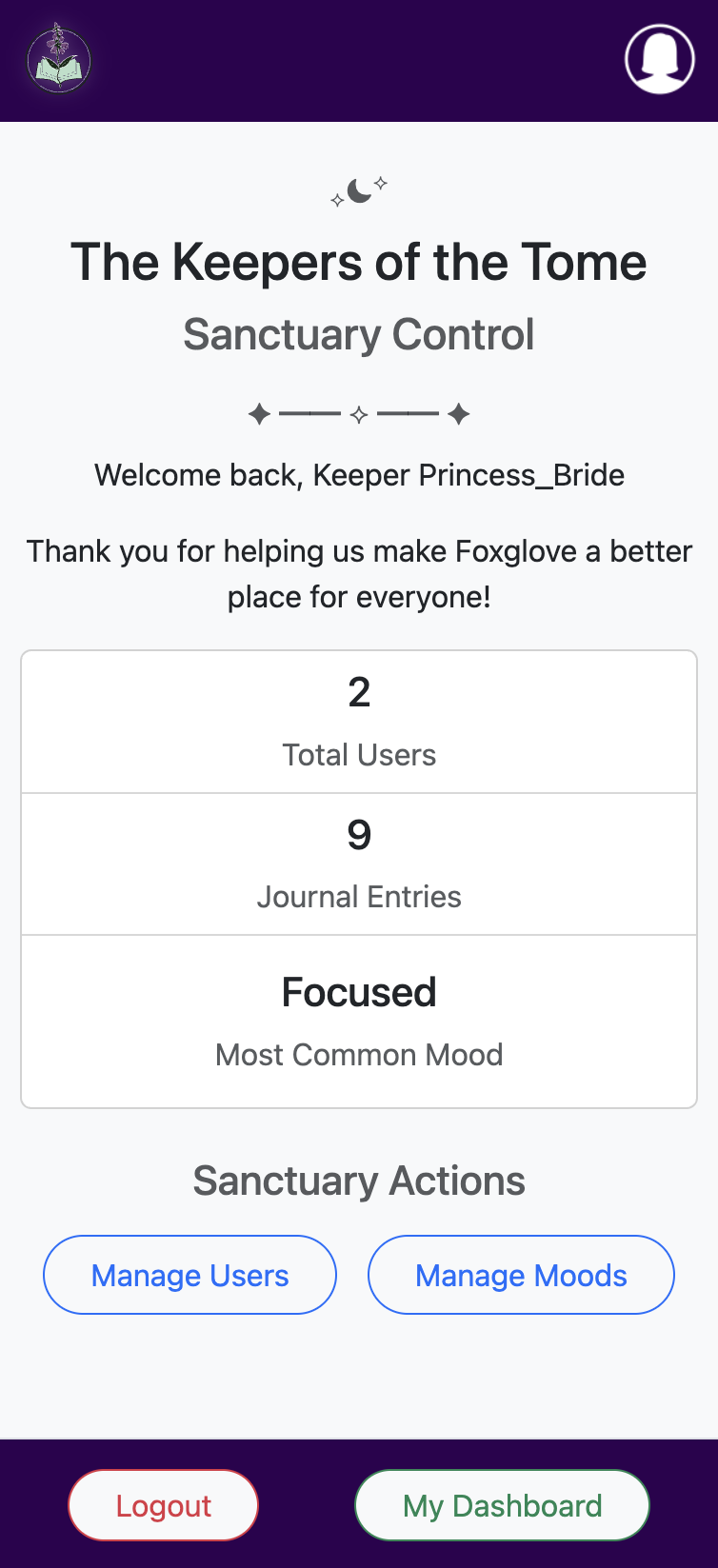
Added the admin page with app stats